Release Notes
What's new in Cepo.ai
March 15, 2026
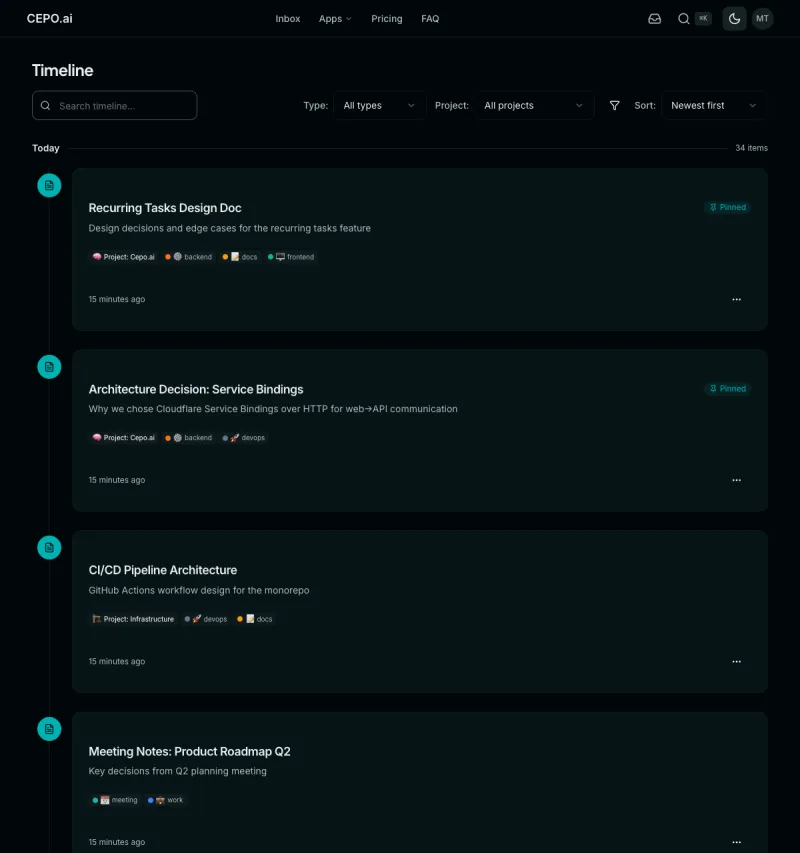
Timeline View
See all your notes, tasks, and prompts in a unified chronological feed. Filter by type, project, or tags. Infinite scroll loads more items as you browse.
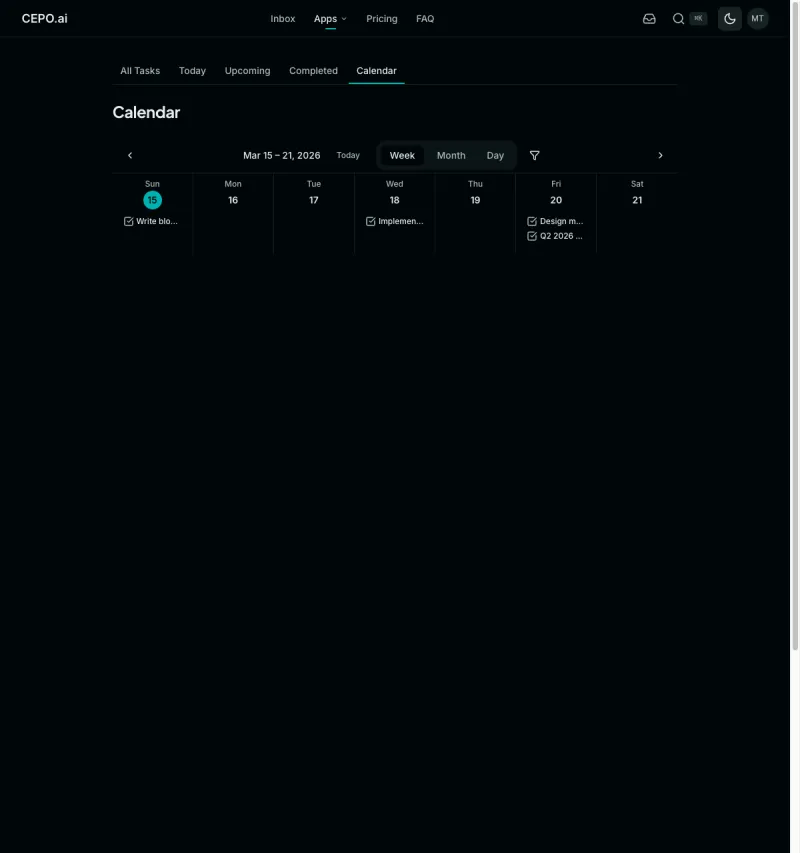
Task Calendar
Visualize tasks on a calendar with week, month, and day views. Navigate between date ranges and filter by project or priority.
March 8, 2026
Tasks
Capture and manage tasks with priorities, due dates, subtasks, recurrence, and project assignment. Filter by status, priority, tags, or due date.
Global Search (Cmd+K)
Instantly search across tasks and notes from anywhere with Cmd+K. Full-text search with ranked results, tag and project context, and one-click navigation.
March 1, 2026
Support for Projects
Organize your work into projects with hierarchical parent-child structure. Create, nest, and manage projects to keep everything organized.
Hierarchical Notes
Notes can now be nested up to 5 levels deep. Create sub-notes, toggle between flat and tree views, and navigate with breadcrumbs.
Previously available
Knowledge Base
Create, organize, and search your notes with rich markdown content, tagging, and full-text search.
Tags
Categorize notes and prompts with colored tags. Filter and search by tags across the app.
MCP Tools
Connect AI agents to your knowledge base and prompts via Model Context Protocol tools.
Human-in-the-Loop (HITL)
AI agents can request human approval before taking actions. Review and approve requests directly from your inbox.
Action Items & Inbox
Manage AI agent approval requests from your inbox. Approve, snooze, or complete action items.
Prompt Library
Save, organize, and version your AI prompts. Publish prompts for the community to discover.